AI brand assets
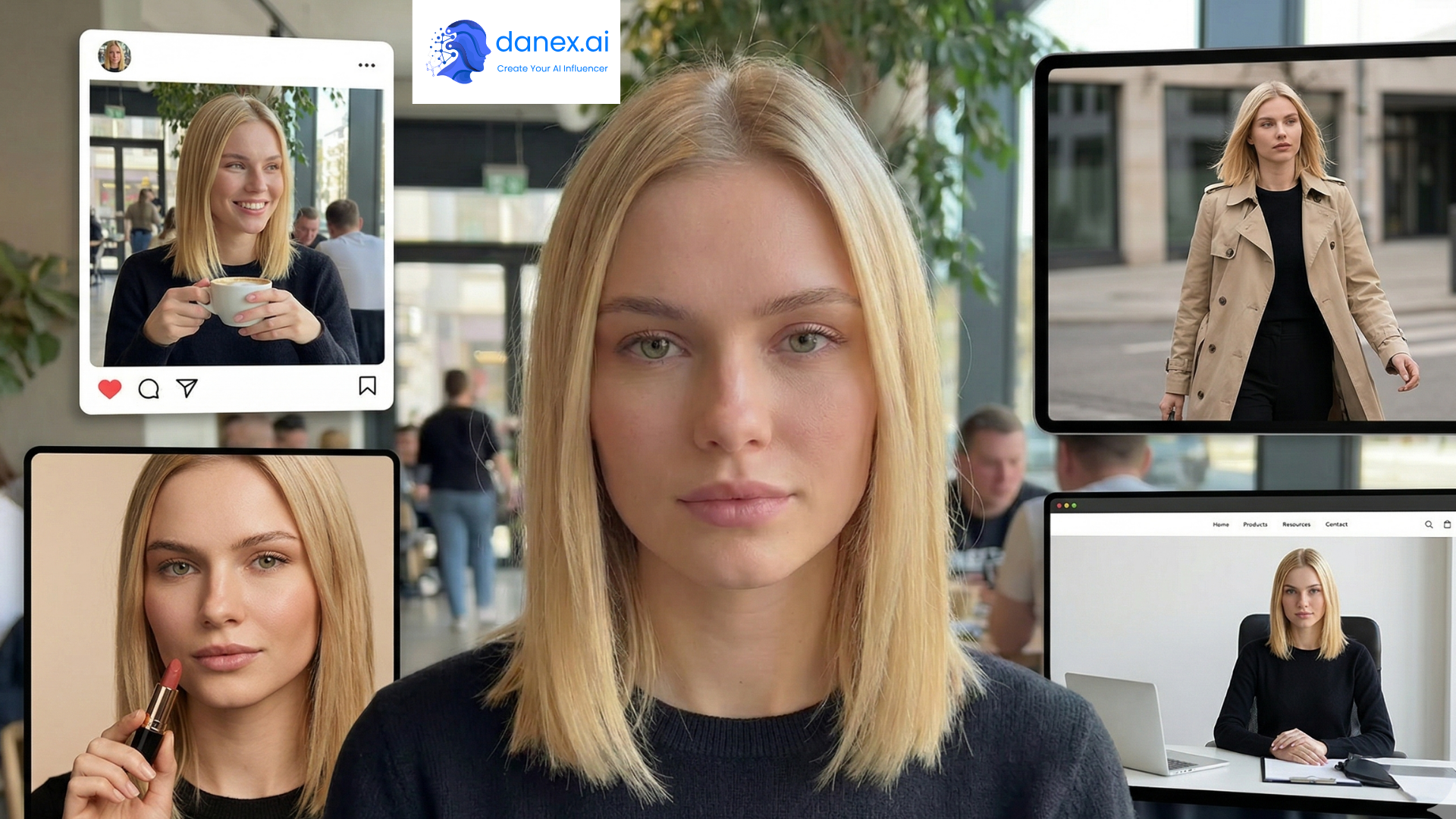
Once you're posting regularly, you'll notice the messy part isn't generating one good image - it's keeping everything on-brand. Random prompts give random results. Brand Assets fixes that.
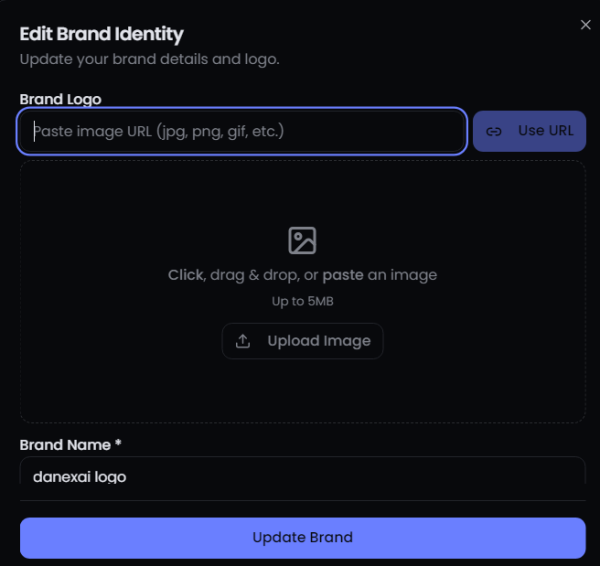
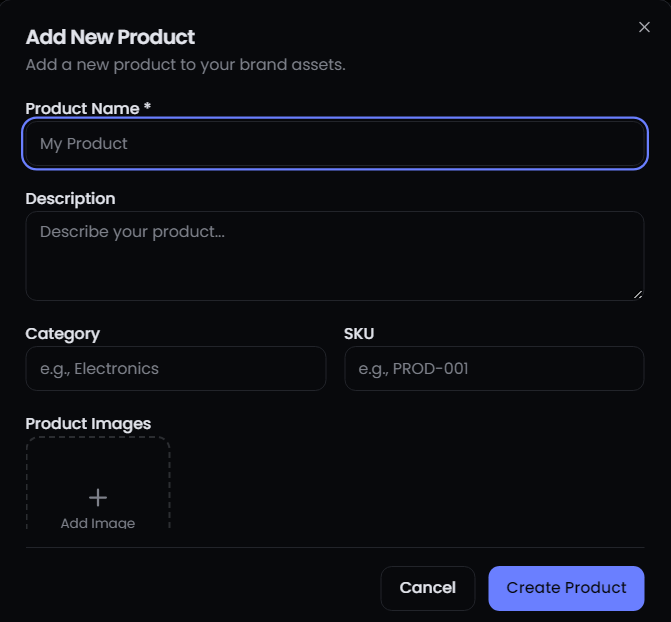
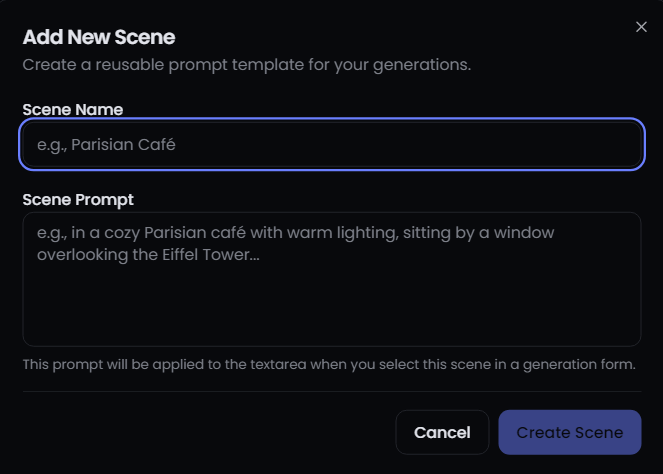
Set up your brand identity once: logo colors, product catalog, go-to scenes. Every feature on danex.ai can pull from that library so your AI influencer content actually looks like it came from the same company.
It's a Pro feature, which makes sense - if you're at the stage where brand consistency matters, you're probably past the 'just experimenting' phase anyway.
Benefits
Why creators use Brand Assets
Brand identity hub
Centralize colors, style notes, and visual guidelines.
Product library
Upload products once, reuse across all content types.
Reusable scenes
Save locations and setups you use repeatedly.
Cross-feature sync
Works with product photography, Be Anywhere, and video.
How it works
Click any image to view full size