Viral trend studio
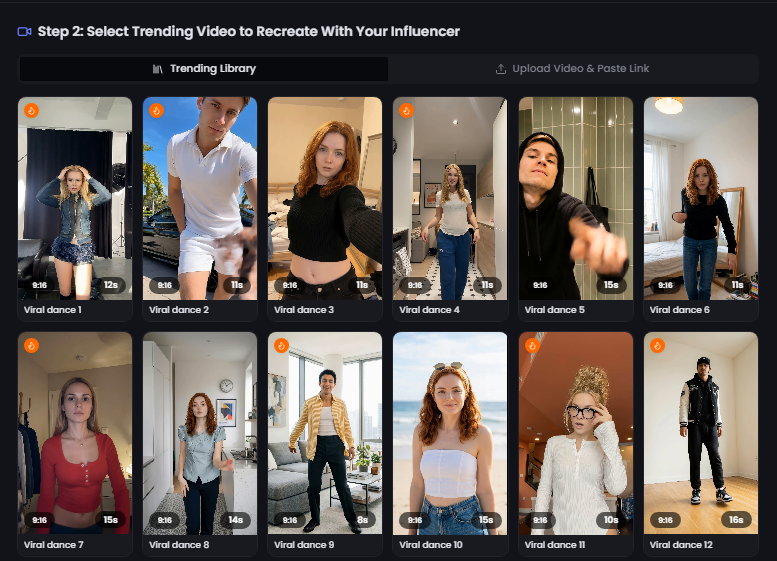
Trends move fast. By the time you've set up a shoot, the moment's usually gone. Viral Trend Studio is built for that exact problem - pick a trending format, drop your AI influencer in, and publish while it's still relevant.
You can upload a reference video or paste a link, select your persona, and danex.ai recreates the motion and vibe with your virtual creator. It's a bit wild the first time you see it work, not gonna lie.
If you're running a faceless account or managing multiple personas, this feature alone can keep your calendar full without you learning every dance on TikTok.
Watch
See it in action
A quick look at how this feature works in practice.
Benefits
Why creators use Viral Trend Studio
Trending templates
Recreate popular formats while they're still hot.
Your face, their trend
Swap in your AI persona instead of filming yourself.
Upload or link
Use a reference video from TikTok, Reels, or your library.
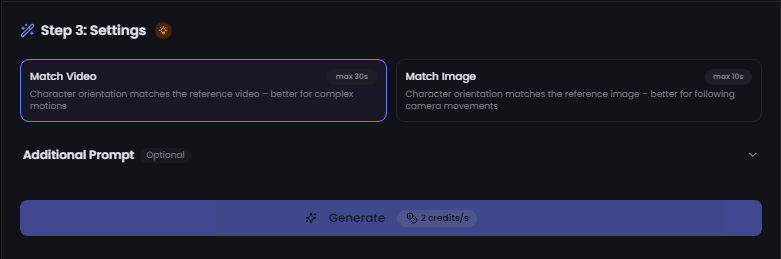
Optional prompts
Fine-tune with text prompts for extra control.
How it works
Click any image to view full size
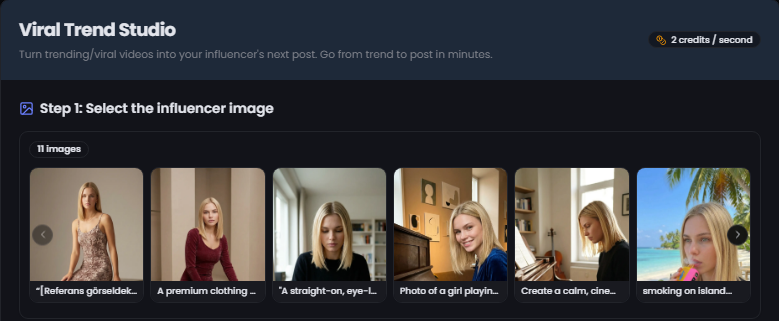
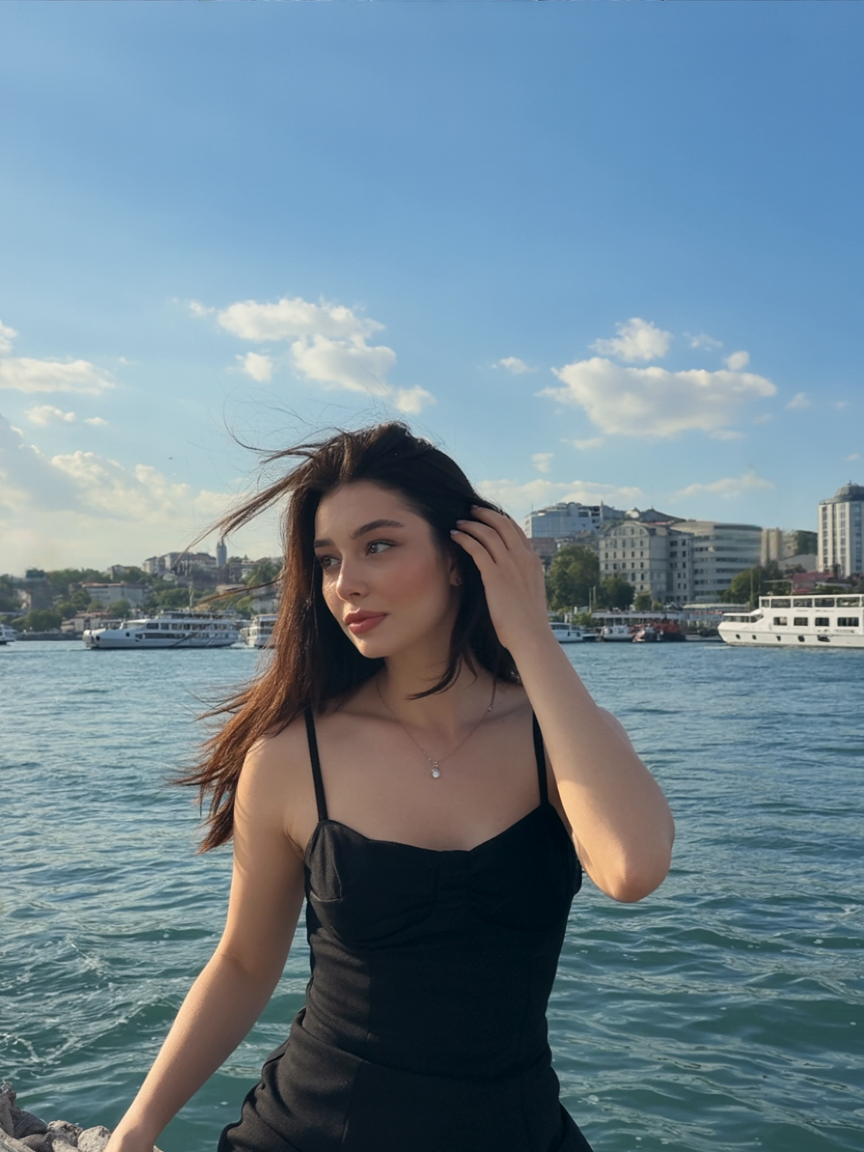
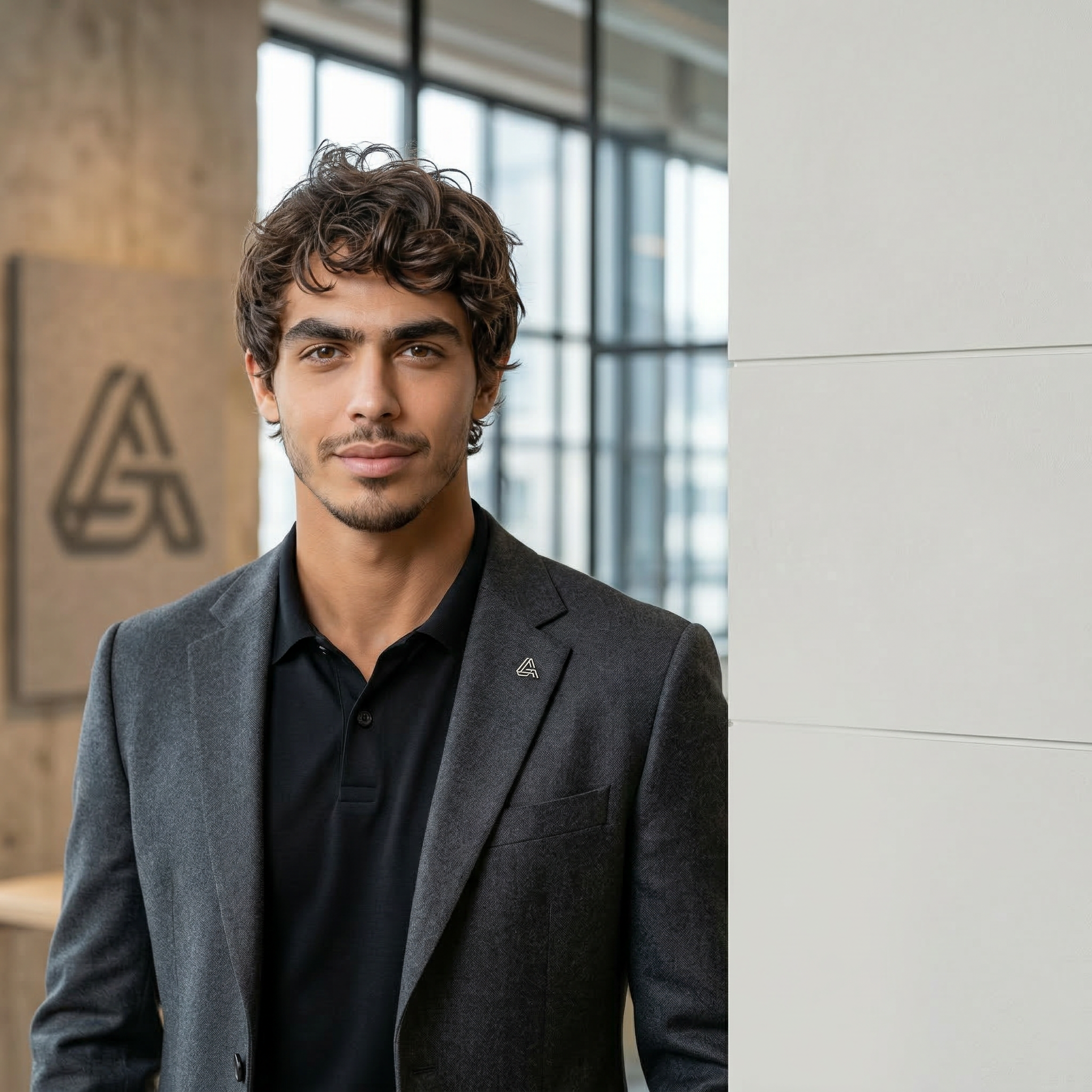
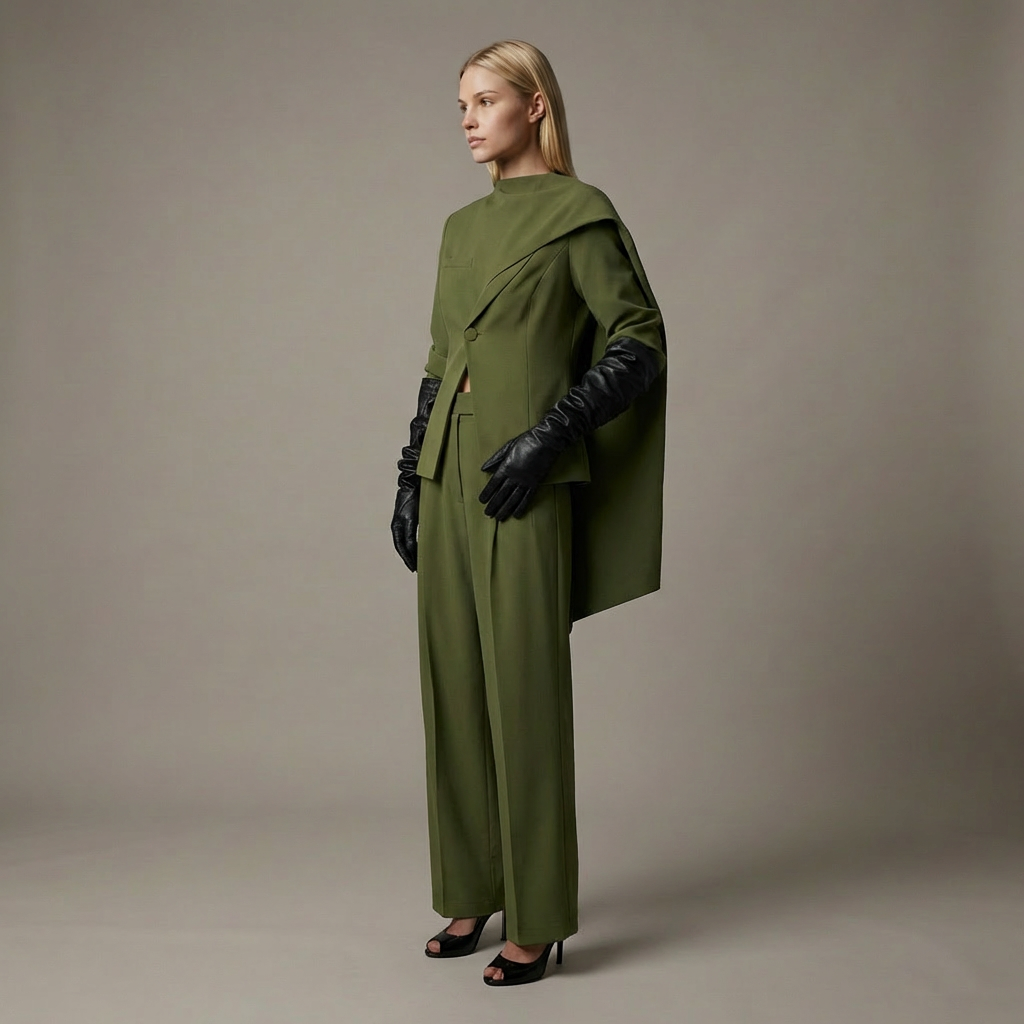
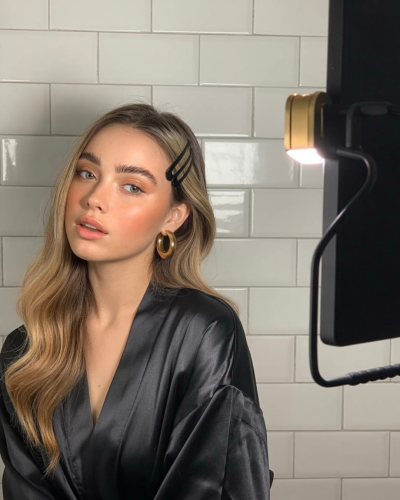
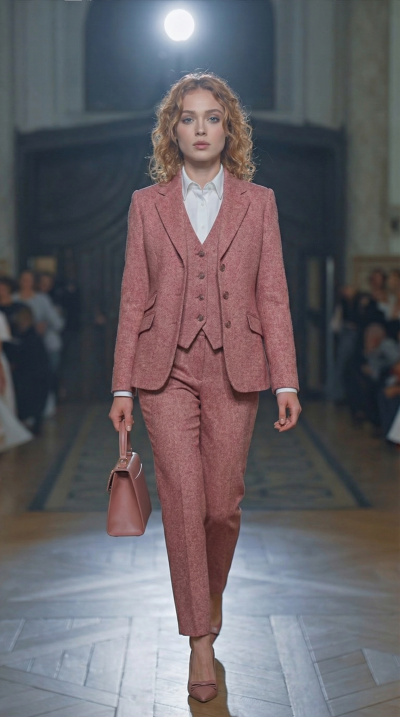
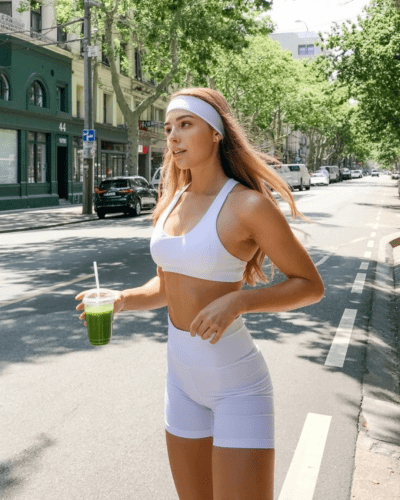
Real AI influencer examples